FAA-H-8083-25C · Source PDF page 332
Aviation Weather Services
NEXRAD Abnormalities · PHAK page 13-22
Searchable transcription
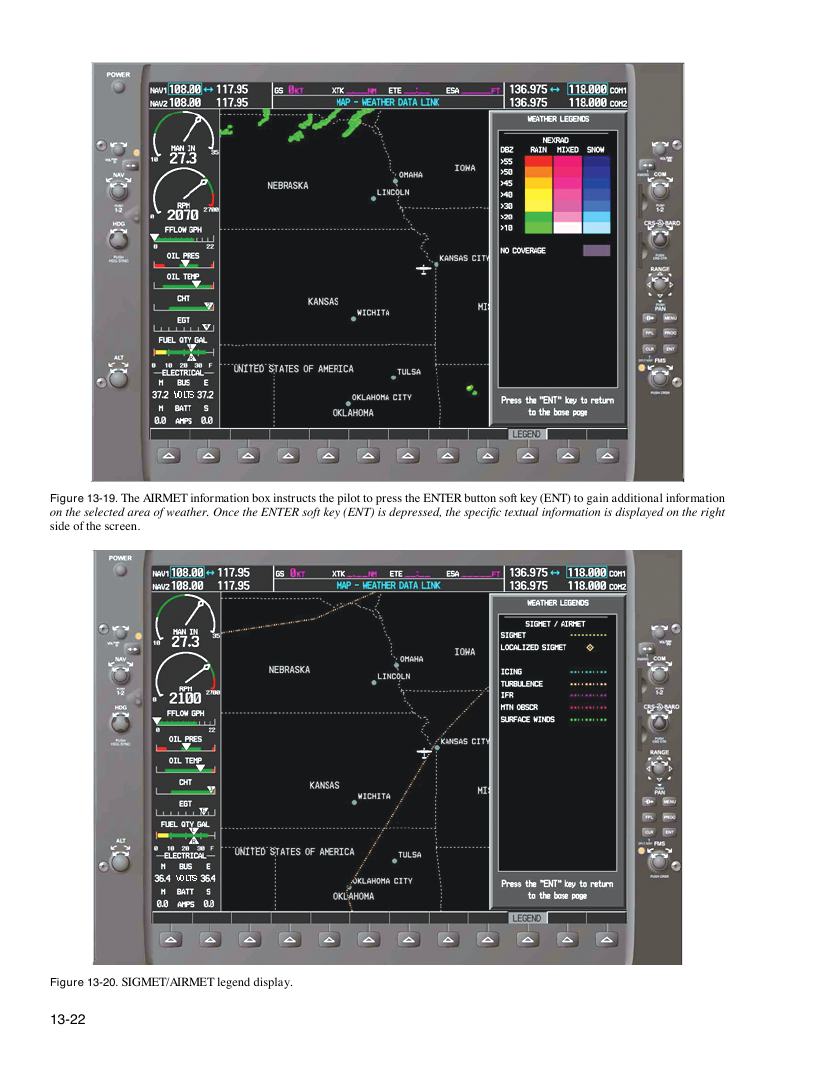
Figure 13-19. The AIRMET information box instructs the pilot to press the ENTER button soft key (ENT) to gain additional information
on the selected area of weather. Once the ENTER soft key (ENT) is depressed, the specific textual information is displayed on the right
side of the screen.
Figure 13-20. SIGMET/AIRMET legend display.
13-22